
Copying a sequence of keys
- You repeat what you saw, without knowing why
- Each new piece starts from scratch
- Mistakes are hard to spot and harder to fix
- Reading music stays a mystery
How Melovance teaches
Following a video can teach your fingers a sequence of keys. Melovance teaches what the music means, shows you how to play it, and lets you try it straight away on your own keyboard.
THE PROBLEM
You can learn to play one piece without being able to play the next. Every new piece starts from zero.
THE LESSON LOOP
Every lesson follows the same simple loop.
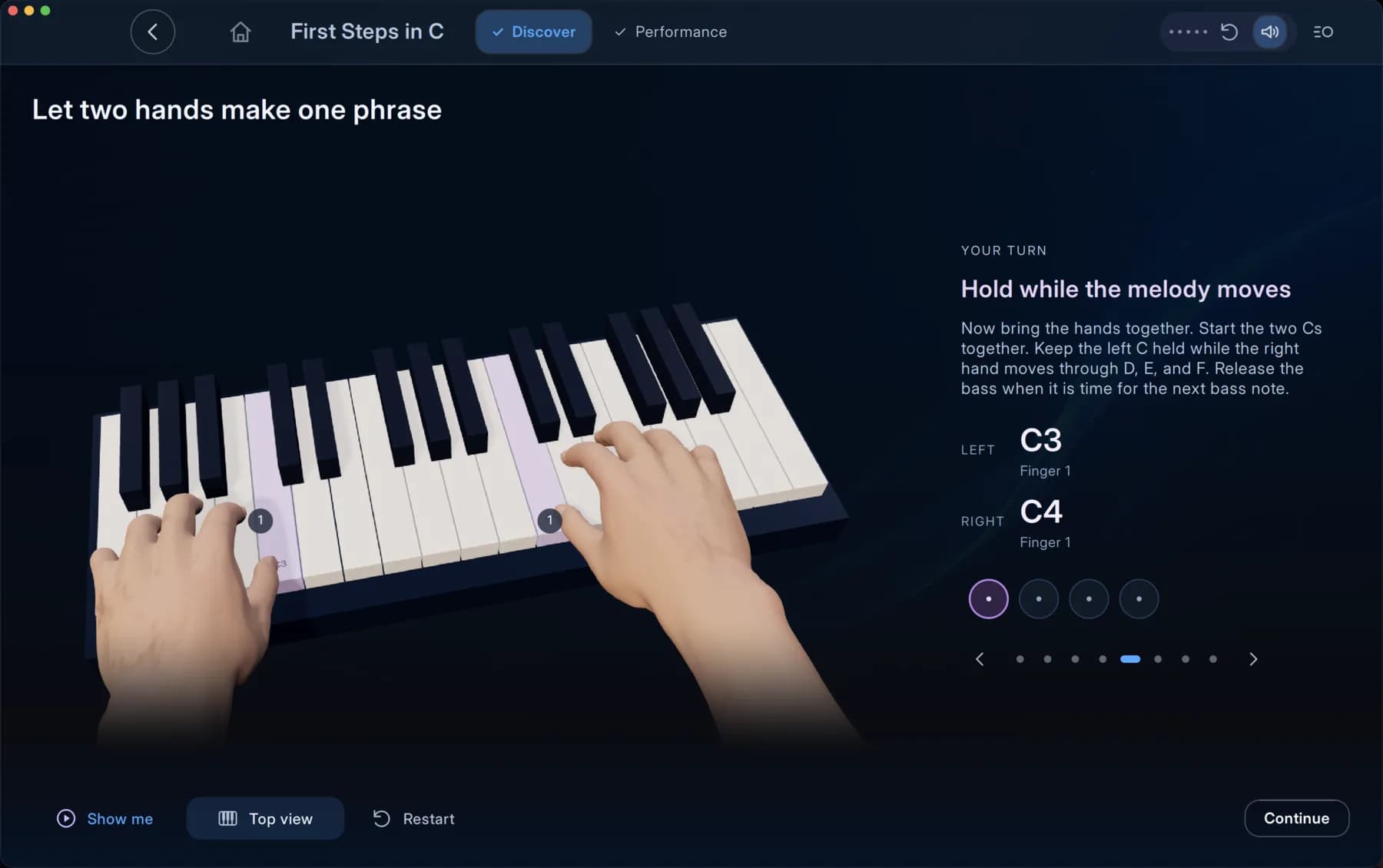
Short narrated explanations introduce one idea at a time, with visuals you can replay.
Animated hands and keyboards show finger placement and movement.
Repeat it on your MIDI keyboard in an interactive exercise and see straight away what worked.
Bring it together in a full performance, with the one thing most worth practising next.
WHAT YOU WILL LEARN
Lessons are organised around skills, not just songs.
How the staff works, clefs and landmarks, and reading patterns instead of single letters.
A metronome and spoken counting explain note lengths, rests and entries.
Finger placement, fingering and moving through scales with each hand.
Building the harmony that sits under a melody.
Songs to play with the score on screen and a cursor that follows along.
After a performance, the one improvement most worth practising next.
FOR EVERY KIND OF PIANIST
Follow a path from your very first note, or jump to what you need.
Begin with your first notes and how music is written. You do not need to read music first.
Pick up after time away, and fill the gaps you never quite closed.
Strengthen the reading, rhythm and technique behind the music you want to play.
GETTING STARTED
A compatible MIDI keyboard or digital piano. Melovance listens to what you play, which makes the exercises interactive.
Install Melovance on the device you practise with.
Lesson resources download the first time you need them, then stay available offline.
Download Melovance for your device, or read the setup guides to connect your keyboard.