
Spoken narration
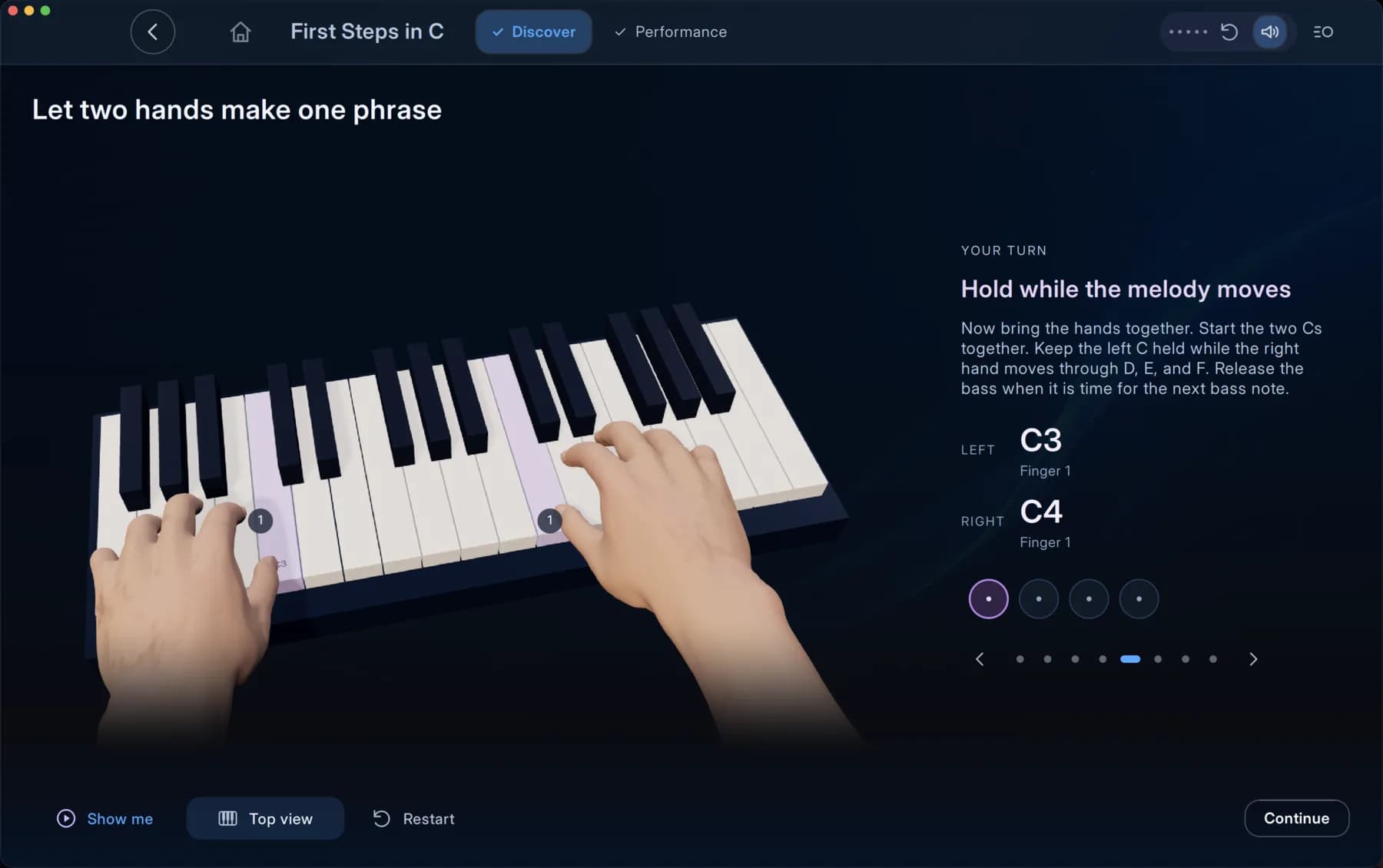
Narration explains each concept alongside the visuals. Replay an explanation, mute the voice or move at your own pace.
Features
Interactive lessons, animated hands and your own MIDI keyboard, with progress that follows you across devices.
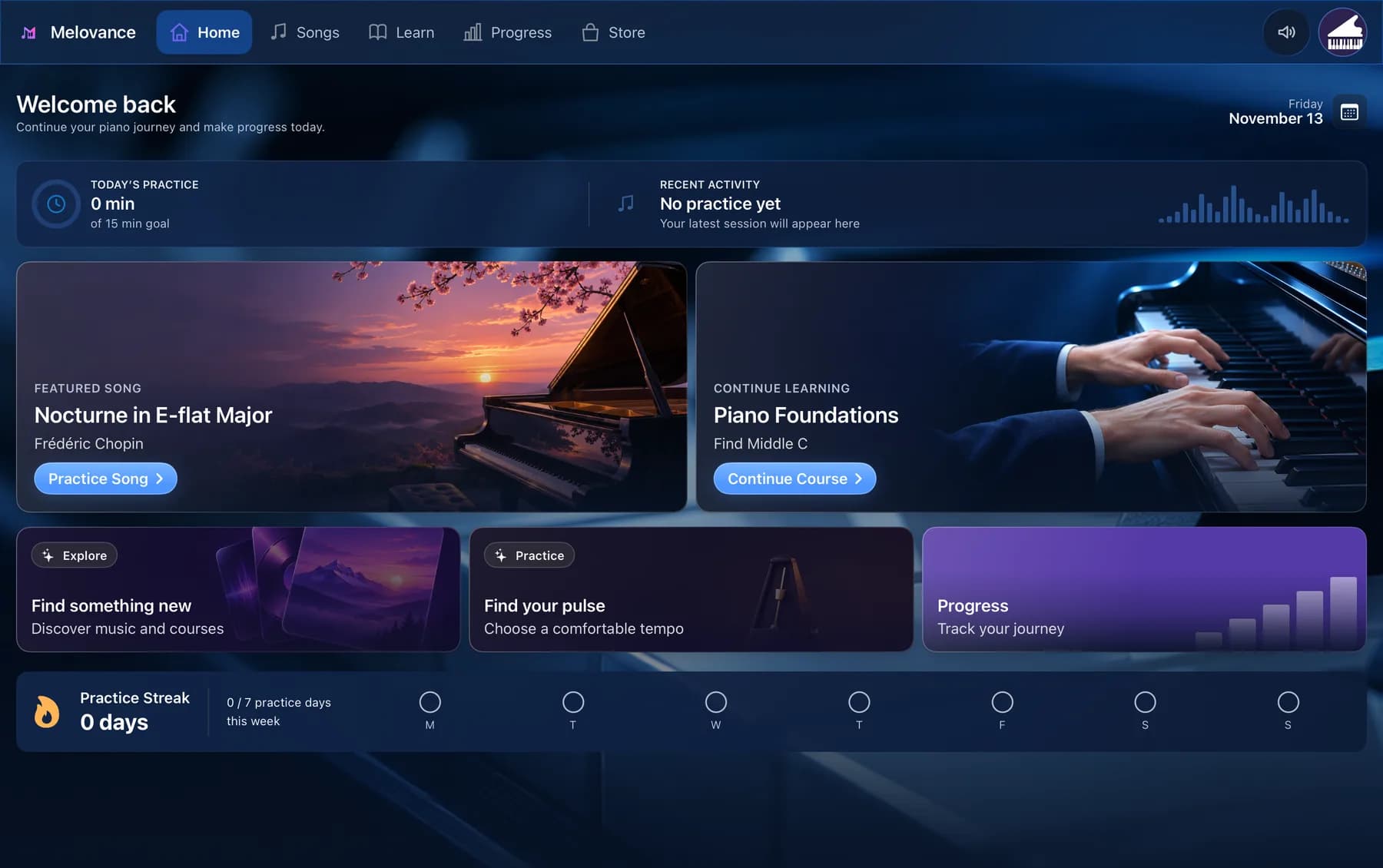
THE CORE EXPERIENCE
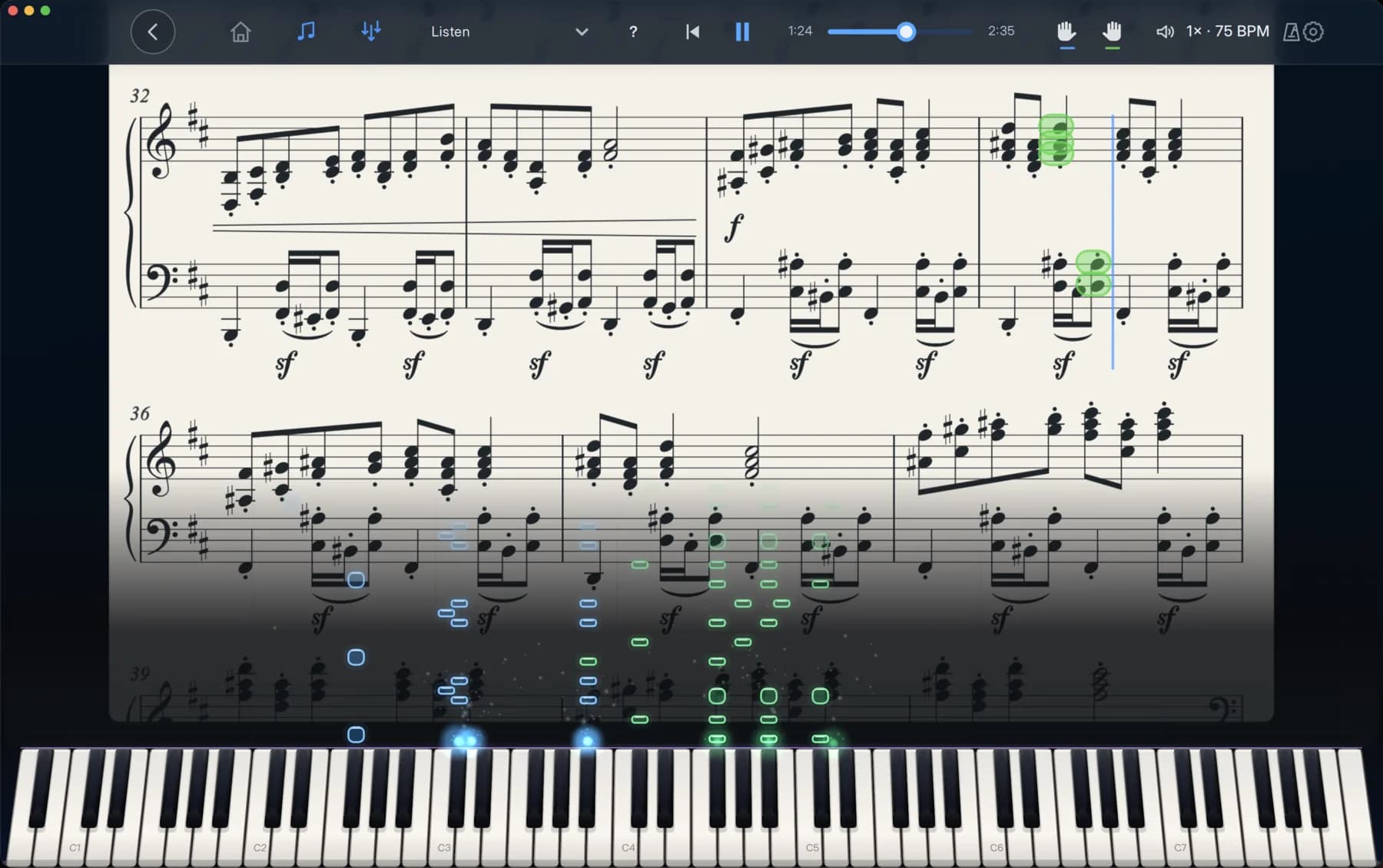
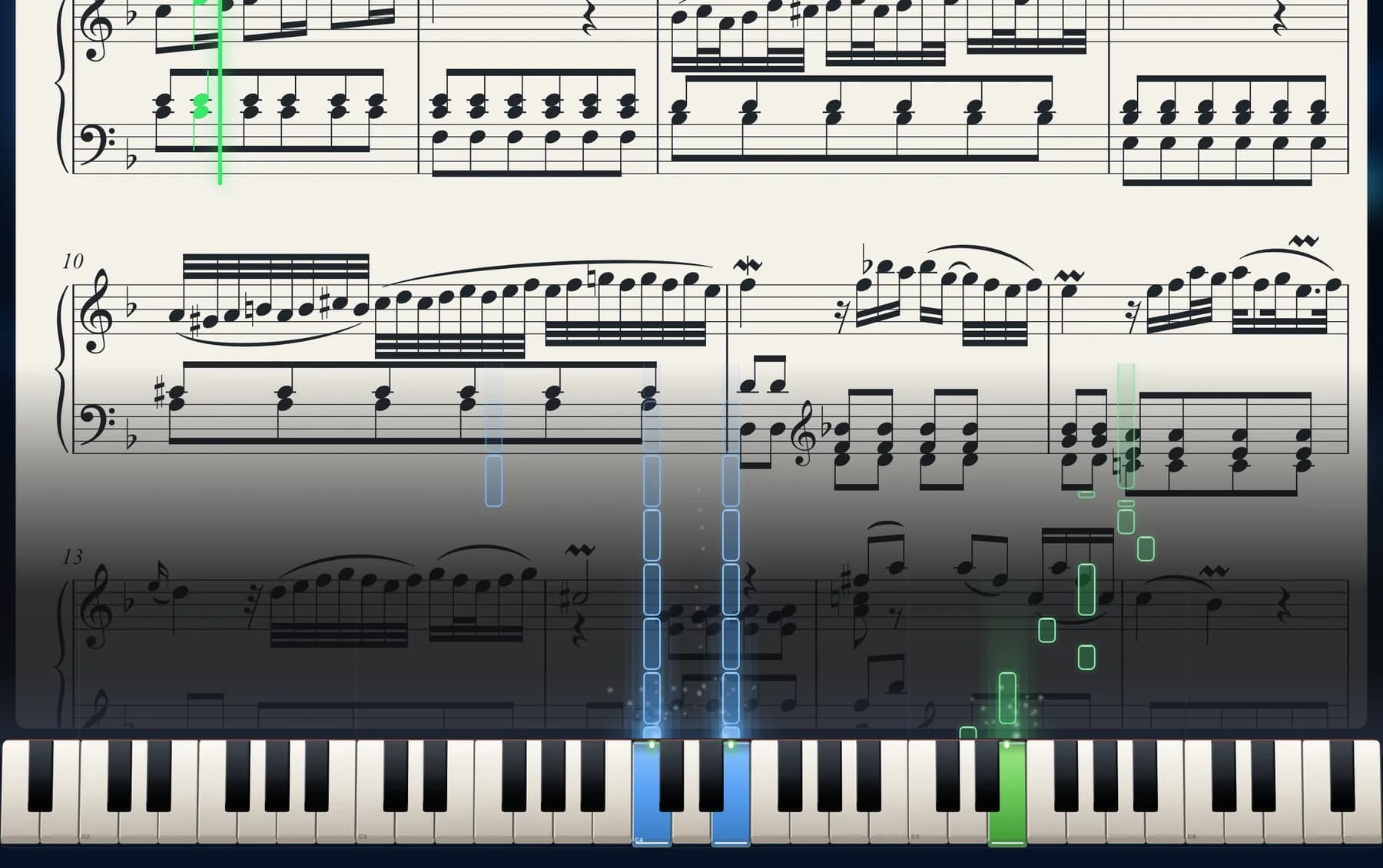
Each lesson mixes explanation, hands-on practice and a full performance. Exercises respond to what you play on your MIDI keyboard, with visual feedback on your progress and a natural next step when you finish.
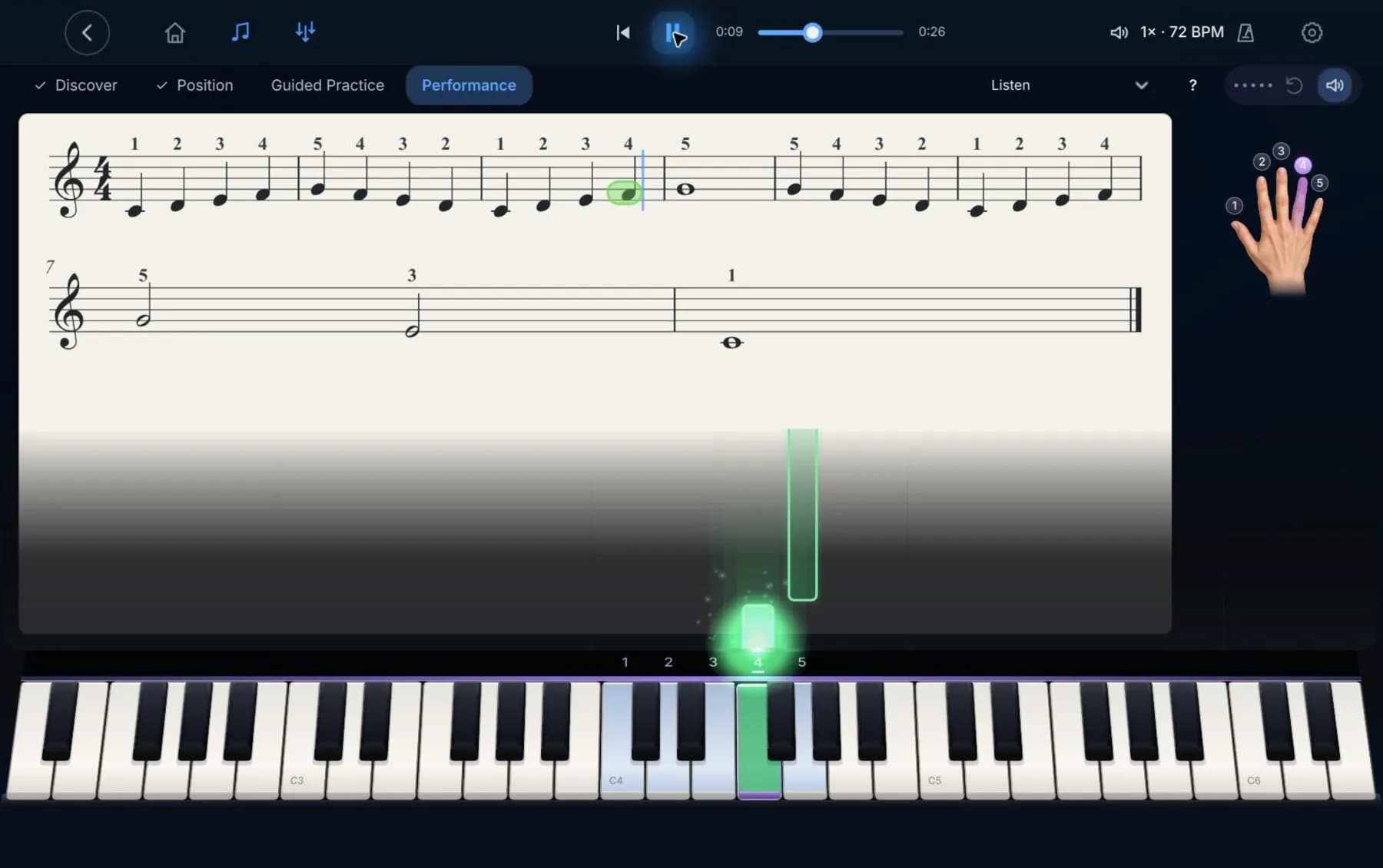
THE DETAILS
Narration explains each concept alongside the visuals. Replay an explanation, mute the voice or move at your own pace.
Understand the staff, clefs and landmarks step by step, before the pieces that need them.
After a performance, Melovance points to the one improvement most worth your next attempt.
Sign in and your progress syncs to your account. Offline, it saves on your device and syncs when you reconnect.
Piano sounds, narration and 3D assets download when you first need them, then stay available offline.
Available for iPhone, iPad, Windows, macOS and Linux. A compatible MIDI keyboard is required.
Download Melovance for your device and play your first lesson today.